
Demographics
Age: 28–38
(Primarily female)
Urban-based
The project itself :
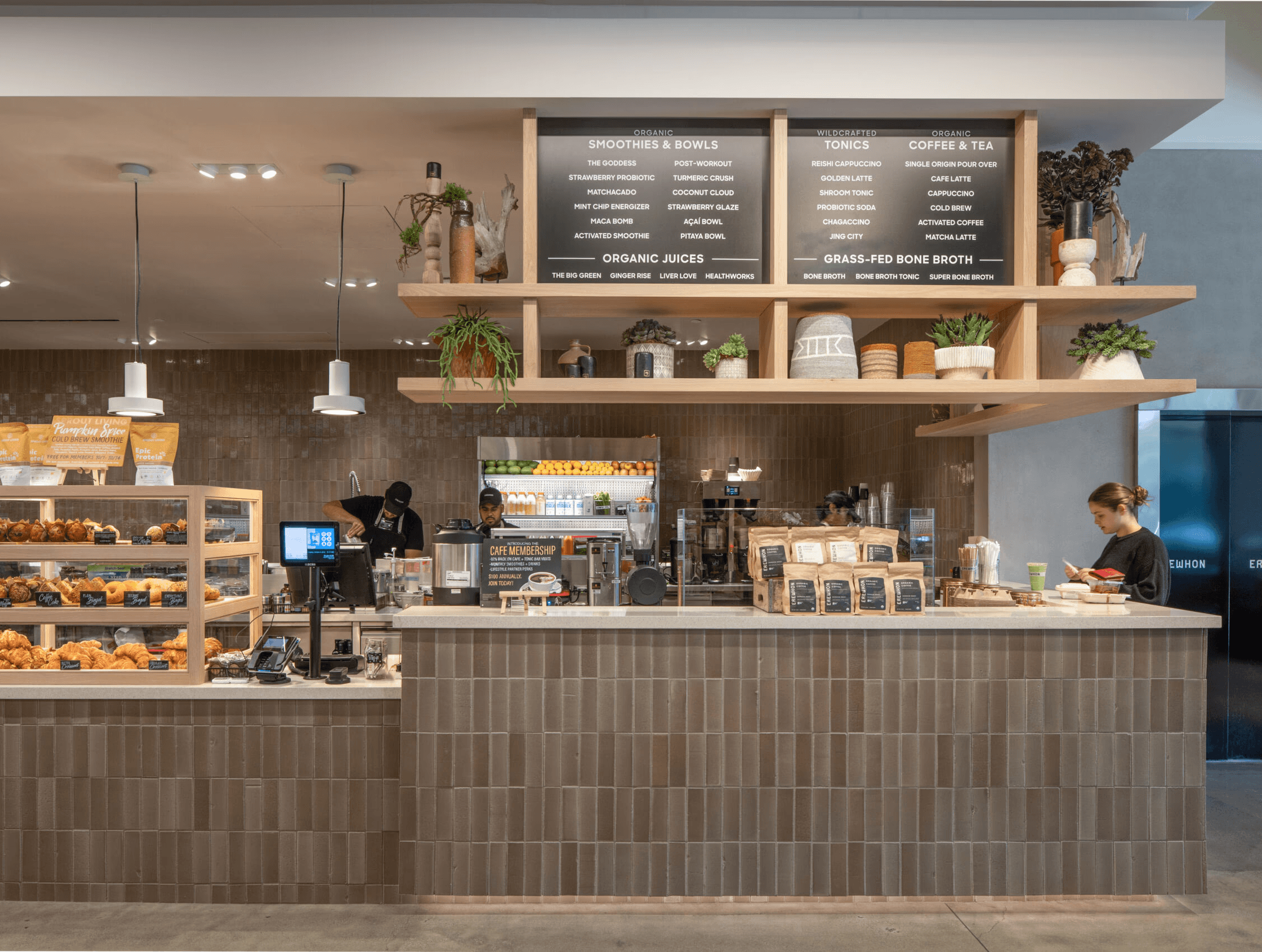
This project focuses on evaluating Erewhon’s self-order kiosk to understand how users interact with it in a premium in-store environment. The study explores usability, flow, and clarity to ensure the experience supports both efficiency and brand standards.
As Erewhon pilots its first self-order kiosk, this project investigates how self-service technology can reduce friction and wait times while preserving the brand’s premium, intentional in-store experience.
Evaluate whether Erewhon’s kiosk improves ordering efficiency while preserving the brand’s calm, intentional in-store experience.
Usability Tester & UX Researcher. I planned and conducted user testing, analyzed task flow, and synthesized insights to inform experience decisions.
Planned and ran usability tests
Observed user behavior and flow
Evaluated task clarity and comfort
Analyzed findings for key insights
Informed experience improvements
All about the user :
Assessed kiosk height, screen angle, and card reader placement to understand how posture, reach, and hand movement affect comfort and ease of use across a range of users in a real in-store setting.
Participants
-
Height range (cm)
50in height, 10 degrees angle
10°
50”
from ground
52in height, 15 degrees angle
15°
52”
from ground
54in height, 20 degrees angle
20°
54”
from ground
48in height, on the right of the screen
48”
from ground
48in height, on the right in front of the screen
48”
from ground
48in height, on the right in front of the screen
44”
from ground
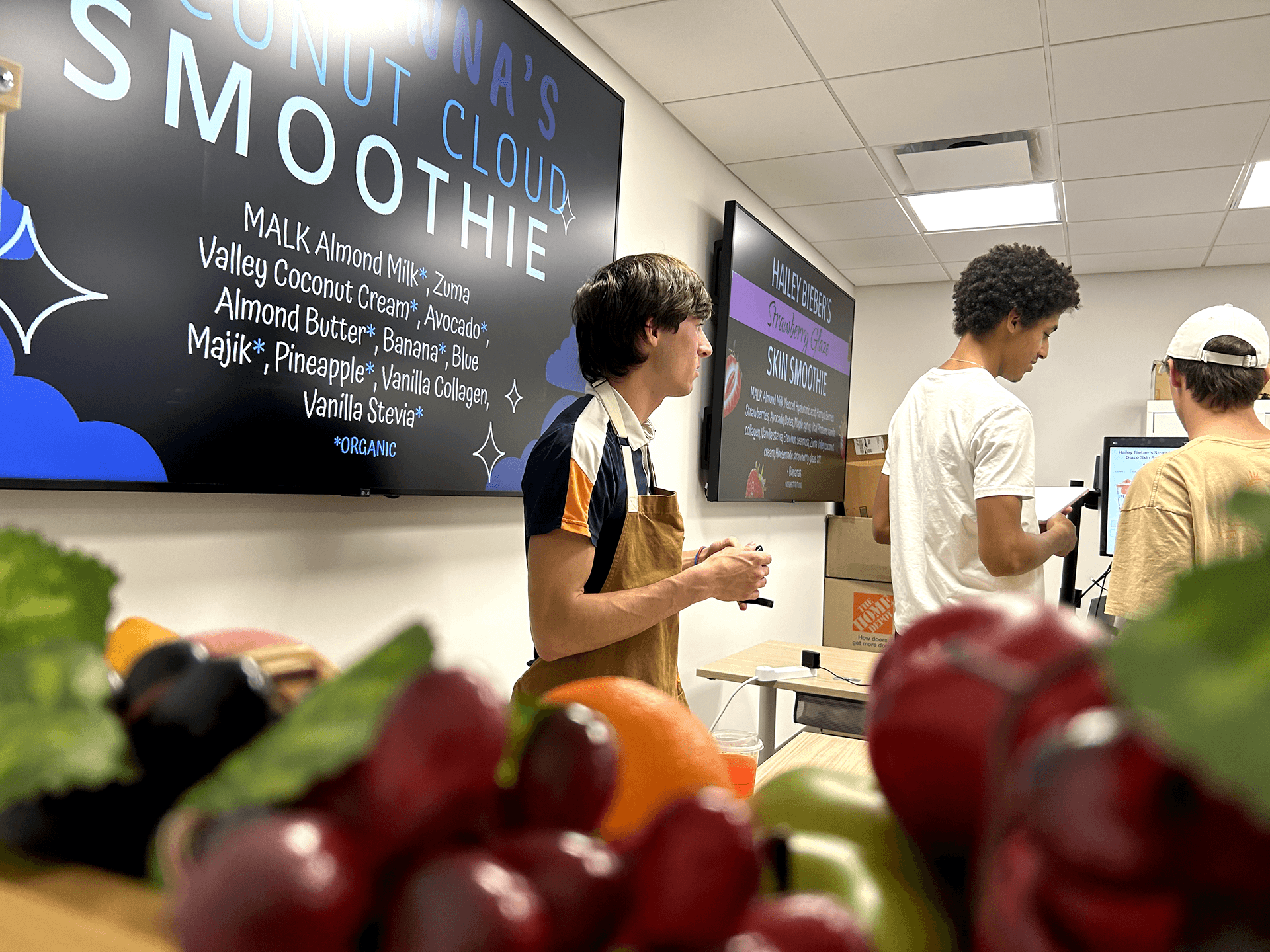
Usability Testing Setup:
Validate kiosk screen and card reader positioning through realistic, high-fidelity usability testing.
Findings from usability testing informed layout refinements and interaction improvements.
Successfully found requested items.
Successfully customized smoothies.
Successfully added smoothies to cart.
Successfully used the “Quick Add” feature.
Successfully added coffee modifiers.
Didn’t realize a coffee size requirement.
Successfully removed items from the cart.
Successfully applied loyalty points at checkout.
Expected SMS notification for order readiness.
The clear version :
Insights from usability testing were synthesized and translated into concrete design decisions that improved clarity, comfort, and interaction flow.
Navigation clarity scored 50%, with users experiencing difficulty understanding the visual separation between subcategories. To address this, sticky headers were introduced to maintain context while scrolling, subtle strokes were added to better define subcategory boundaries, and the search bar was repositioned to improve discoverability and support faster navigation.
Cart management scored 58%, with users expecting to remove items directly within the same product module where they were added. To resolve this, quick-remove buttons were introduced within each product module, allowing users to manage their cart more efficiently without breaking their flow.
Customization scored 43% for visibility and 58% for interaction flow, with users reporting difficulty locating the “Customize” button and expecting ingredient additions to occur directly within the ingredients list. To address this, the “Customize” button was repositioned for improved discoverability, and customization was embedded directly into the ingredients list to better align with user expectations.
Coffee modifiers scored 72% for usability, with users experiencing difficulty finding requested modifiers. To address this, dropdown categories and tabs were introduced, and labeling was clarified to improve discoverability and streamline selection.
The project schematically :
The outcome of the project surfaced several important takeaways about user behavior and interaction patterns.
The usability testing led to clearer navigation, improved customization flow, and more intuitive cart management. Key interaction friction points were reduced by aligning interface behavior with user expectations, resulting in smoother task completion and increased confidence during use of the kiosk.
This project reinforced the importance of testing interface assumptions in realistic contexts. Small placement decisions—such as button visibility or where users expect to modify ingredients—can significantly impact usability. I also learned the value of combining in-person and remote testing to capture both environmental behavior and focused interaction feedback.